PGWeb: Browser-based PostgreSQL Client
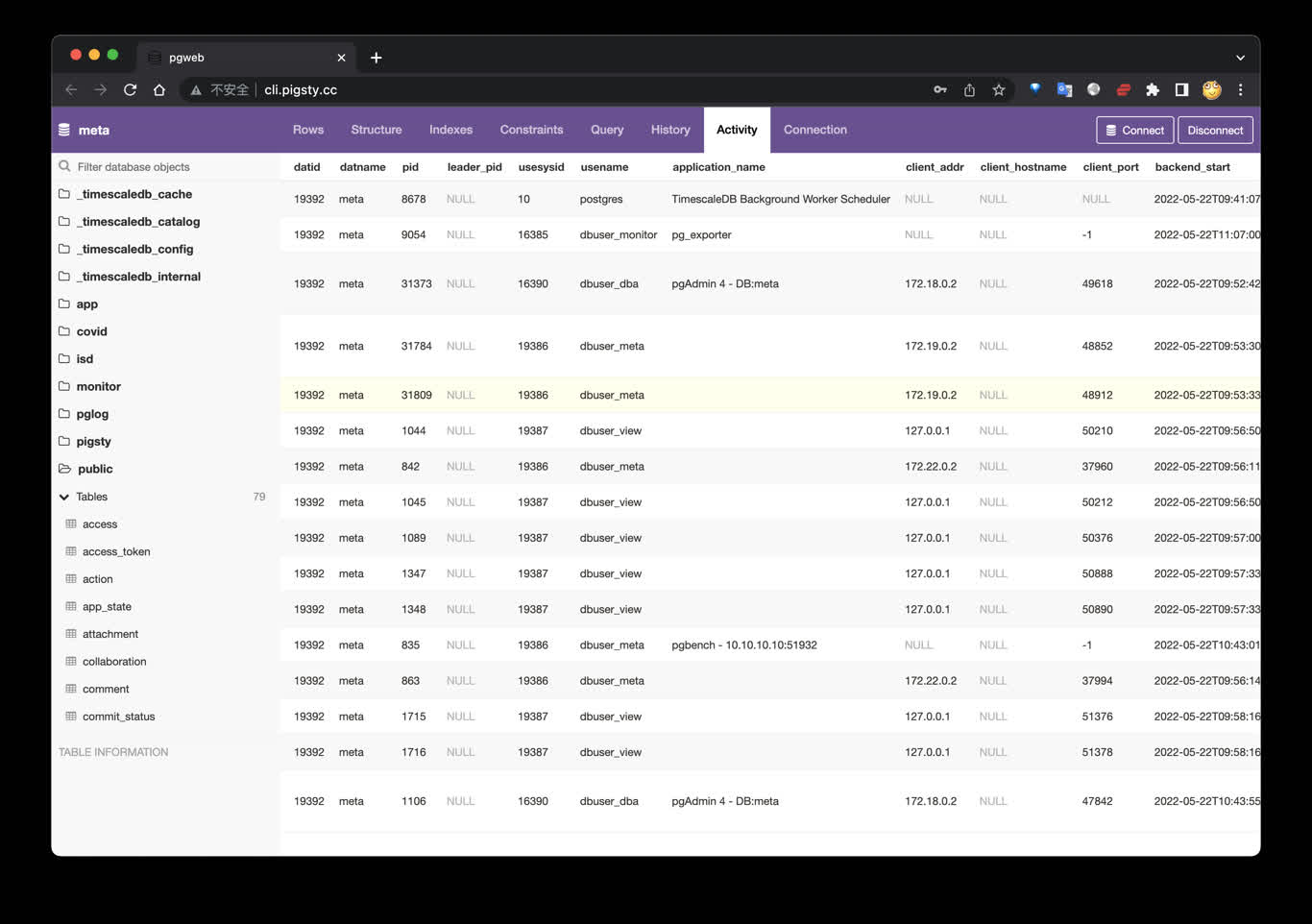
PGWeb Client
PGWeb is a browser-based PostgreSQL client. Pigsty includes a small Docker Compose template in app/pgweb. It publishes container port 8081 on host port 8886.
If the portal entry resolves to the Infra node, open http://cli.pigsty. Alternatively, open http://10.10.10.10:8886 directly. The public demo is http://cli.pigsty.cc.
PGWeb asks for a PostgreSQL connection URL. For example:
These strings use public demo defaults and disable TLS. For real deployments, use a least-privilege account, a non-default secret, and an appropriate sslmode. Do not expose an unauthenticated PGWeb container or database credentials to untrusted networks.
Shortcuts
The bundled Makefile provides:
The template currently uses the unpinned sosedoff/pgweb image. Pin an image digest or version in app/pgweb/docker-compose.yml when reproducible production deployment matters.
Was this page helpful?
Thanks—your feedback helps us improve this page.
What got in the way? (optional)