Supabase

How to self-host Supabase with Pigsty, deploy an open-source Firebase alternative with a complete backend stack in one click.

Supabase — Build in a weekend, Scale to millions

Supabase is an open-source Firebase alternative that wraps PostgreSQL and provides authentication, out-of-the-box APIs, edge functions, real-time subscriptions, object storage, and vector embedding capabilities. This is a low-code all-in-one backend platform that lets you skip most backend development work, requiring only database design and frontend knowledge to quickly ship products!

Supabase’s motto is: “Build in a weekend, Scale to millions”. Indeed, Supabase is extremely cost-effective at small to micro scales (4c8g), like a cyber bodhisattva. — But when you really scale to millions of users — you should seriously consider self-hosting Supabase — whether for functionality, performance, or cost considerations.

Pigsty provides you with a complete one-click self-hosting solution for Supabase. Self-hosted Supabase enjoys full PostgreSQL monitoring, IaC, PITR, and high availability, and compared to Supabase cloud services, it provides up to 440 out-of-the-box PostgreSQL extensions and can more fully utilize the performance and cost advantages of modern hardware.

For the complete self-hosting tutorial, please refer to: Supabase Self-Hosting Manual


Quick Start

Pigsty’s default supa.yml configuration template defines a single-node Supabase.

First, use Pigsty’s standard installation process to install the MinIO and PostgreSQL instances required for Supabase:

 curl -fsSL https://repo.pigsty.io/get | bash
./bootstrap          # environment check, install dependencies
./configure -c supa  # Important: please modify passwords and other key information in the configuration file!
./deploy.yml         # install Pigsty, deploy PGSQL and MINIO!

Before deploying Supabase, please modify the Supabase parameters in the pigsty.yml configuration file according to your actual situation (mainly passwords!)

Then, run supabase.yml to complete the remaining work and deploy Supabase containers

./supabase.yml       # install Docker and deploy stateless Supabase components!

For users in China, please configure appropriate Docker mirror sites or proxy servers to bypass GFW to pull DockerHub images. For professional subscriptions, we provide the ability to offline install Pigsty and Supabase without internet access.

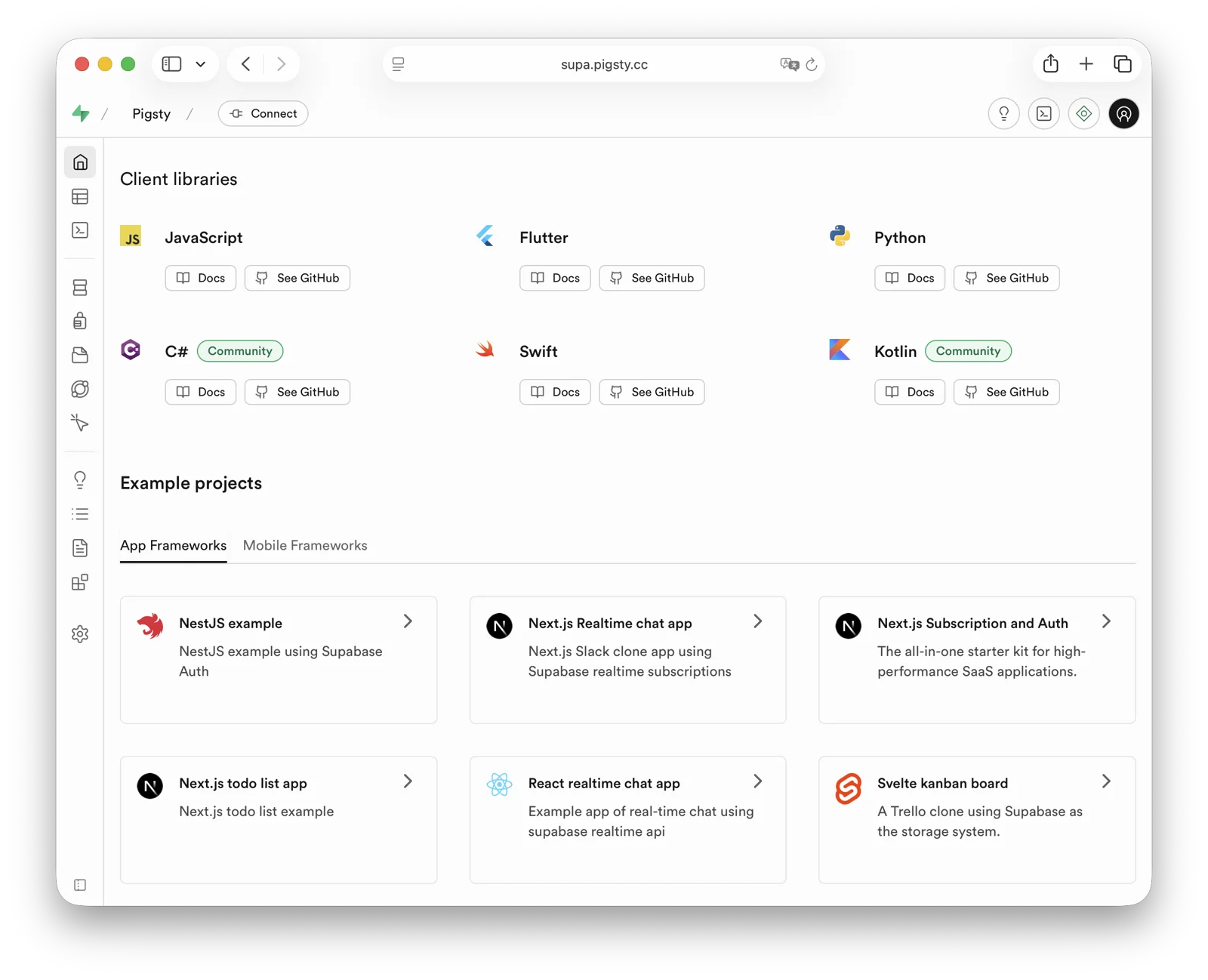
Pigsty exposes web services through Nginx on the admin node/INFRA node by default. You can add DNS resolution for supa.pigsty pointing to this node locally, then access https://supa.pigsty through a browser to enter the Supabase Studio management interface.

Default username and password: supabase / pigsty


Architecture Overview

Pigsty uses the Docker Compose template provided by Supabase as a blueprint, extracting the stateless components to be handled by Docker Compose. The stateful database and object storage containers are replaced with external PostgreSQL clusters and MinIO services managed by Pigsty.

Supabase: Self-Hosting with Docker

After transformation, Supabase itself is stateless, so you can run, stop, or even run multiple stateless Supabase containers simultaneously on the same PGSQL/MINIO for scaling.

Pigsty uses a single-node PostgreSQL instance on the local machine as Supabase’s core backend database by default. For serious production deployments, we recommend using Pigsty to deploy a PG high-availability cluster with at least three nodes. Or at least use external object storage as a PITR backup repository for failover.

Pigsty uses the SNSD MinIO service on the local machine as file storage by default. For serious production environment deployments, you can use external S3-compatible object storage services, or use other multi-node multi-drive MinIO clusters independently deployed by Pigsty.


Configuration Details

When self-hosting Supabase, the directory app/supabase containing resources required for Docker Compose will be copied entirely to the target node (default supabase group) at /opt/supabase, and deployed in the background using docker compose up -d.

All configuration parameters are defined in the .env file and docker-compose.yml template. But you usually don’t need to modify these two templates directly. You can specify parameters in .env in supa_config, and these configurations will automatically override or append to the final /opt/supabase/.env core configuration file.

The most critical parameters here are jwt_secret, and the corresponding anon_key and service_role_key. For serious production use, please be sure to refer to the instructions and tools in the Supabase Self-Hosting Manual for settings. If you want to provide services using a domain name, you can specify your domain name in site_url, api_external_url, and supabase_public_url.

Pigsty uses local MinIO by default. If you want to use S3 or MinIO as file storage, you need to configure parameters such as s3_bucket, s3_endpoint, s3_access_key, s3_secret_key.

Generally speaking, you also need to use an external SMTP service to send emails. Email services are not recommended for self-hosting, please consider using mature third-party services such as Mailchimp, Aliyun Mail Push, etc.

For users in mainland China, we recommend you configure docker_registry_mirrors mirror sites, or use proxy_env to specify available proxy servers to bypass GFW, otherwise pulling images from DockerHub may fail or be extremely slow!

# launch supabase stateless part with docker compose:
# ./supabase.yml
supabase:
  hosts:
    10.10.10.10: { supa_seq: 1 }  # instance id
  vars:
    supa_cluster: supa            # cluster name
    docker_enabled: true          # enable docker

    # use these to pull docker images via proxy and mirror registries
    #docker_registry_mirrors: ['https://docker.xxxxx.io']
    #proxy_env:   # add [OPTIONAL] proxy env to /etc/docker/daemon.json configuration file
    #  no_proxy: "localhost,127.0.0.1,10.0.0.0/8,192.168.0.0/16,*.pigsty,*.aliyun.com,mirrors.*,*.myqcloud.com,*.tsinghua.edu.cn"
    #  #all_proxy: http://user:pass@host:port

    # these configuration entries will OVERWRITE or APPEND to /opt/supabase/.env file (src template: app/supabase/.env)
    # check https://github.com/pgsty/pigsty/blob/main/app/supabase/.env for default values
    supa_config:

      # IMPORTANT: CHANGE JWT_SECRET AND REGENERATE CREDENTIAL ACCORDING!!!!!!!!!!!
      # https://supabase.com/docs/guides/self-hosting/docker#securing-your-services
      jwt_secret: your-super-secret-jwt-token-with-at-least-32-characters-long
      anon_key: eyJhbGciOiJIUzI1NiIsInR5cCI6IkpXVCJ9.eyAgCiAgICAicm9sZSI6ICJhbm9uIiwKICAgICJpc3MiOiAic3VwYWJhc2UtZGVtbyIsCiAgICAiaWF0IjogMTY0MTc2OTIwMCwKICAgICJleHAiOiAxNzk5NTM1NjAwCn0.dc_X5iR_VP_qT0zsiyj_I_OZ2T9FtRU2BBNWN8Bu4GE
      service_role_key: eyJhbGciOiJIUzI1NiIsInR5cCI6IkpXVCJ9.eyAgCiAgICAicm9sZSI6ICJzZXJ2aWNlX3JvbGUiLAogICAgImlzcyI6ICJzdXBhYmFzZS1kZW1vIiwKICAgICJpYXQiOiAxNjQxNzY5MjAwLAogICAgImV4cCI6IDE3OTk1MzU2MDAKfQ.DaYlNEoUrrEn2Ig7tqibS-PHK5vgusbcbo7X36XVt4Q
      dashboard_username: supabase
      dashboard_password: pigsty

      # postgres connection string (use the correct ip and port)
      postgres_host: 10.10.10.10
      postgres_port: 5436             # access via the 'default' service, which always route to the primary postgres
      postgres_db: postgres
      postgres_password: DBUser.Supa  # password for supabase_admin and multiple supabase users

      # expose supabase via domain name
      site_url: http://supa.pigsty
      api_external_url: http://supa.pigsty
      supabase_public_url: http://supa.pigsty

      # if using s3/minio as file storage
      s3_bucket: supa
      s3_endpoint: https://sss.pigsty:9000
      s3_access_key: supabase
      s3_secret_key: S3User.Supabase
      s3_force_path_style: true
      s3_protocol: https
      s3_region: stub
      minio_domain_ip: 10.10.10.10  # sss.pigsty domain name will resolve to this ip statically

      # if using SMTP (optional)
      #smtp_admin_email: [email protected]
      #smtp_host: supabase-mail
      #smtp_port: 2500
      #smtp_user: fake_mail_user
      #smtp_pass: fake_mail_password
      #smtp_sender_name: fake_sender
      #enable_anonymous_users: false


Last Modified 2026-01-09: add supabase asciinema demo (693cfa8)