Supabase
Supabase — Build in a weekend, Scale to millions
Supabase is an open-source Firebase alternative built on PostgreSQL. It provides authentication, ready-to-use APIs, edge functions, real-time subscriptions, object storage, and vector embeddings. The low-code backend platform can replace much of the backend development work. Database design and frontend knowledge can be sufficient to build a product.
Supabase’s motto is: “Build in a weekend, Scale to millions”. Its cloud service can be cost-effective for small deployments, such as 4c8g. For millions of users, consider self-hosting to meet functionality, performance, and cost requirements.
Pigsty provides an automated solution to self-host the complete Supabase stack. It includes PostgreSQL monitoring, IaC, PITR, and high availability. Compared with Supabase cloud services, this solution provides up to 600 ready-to-use PostgreSQL extensions. It can also make fuller use of the performance and cost advantages of modern hardware.
For the complete procedure, see: Supabase Self-Hosting Guide
Quick Start
Pigsty’s default supabase.yml configuration template defines a single-node Supabase.
The current application combination tracks self-hosted/v0.8.2 (commit 564eab8), with Envoy and external Pigsty-managed PostgreSQL 18 as the defaults. The template still supports PostgreSQL 15–18. See the self-hosting guide for complete versions and the upgrade procedure for existing deployments.
First, use Pigsty’s standard installation process to install the Silo and PostgreSQL instances required for Supabase:
Before you deploy Supabase, adjust the Supabase parameters in pigsty.yml for your environment.
In particular, change the passwords.
Then run docker.yml and app.yml to deploy the Supabase containers:
In China, configure Docker mirrors or proxy servers to bypass GFW restrictions when you pull DockerHub images. Professional subscriptions include offline installation of Pigsty and Supabase without internet access.
By default, Pigsty exposes web services through Nginx on the administration node/INFRA node.
Add local DNS resolution that points supa.pigsty to this node.
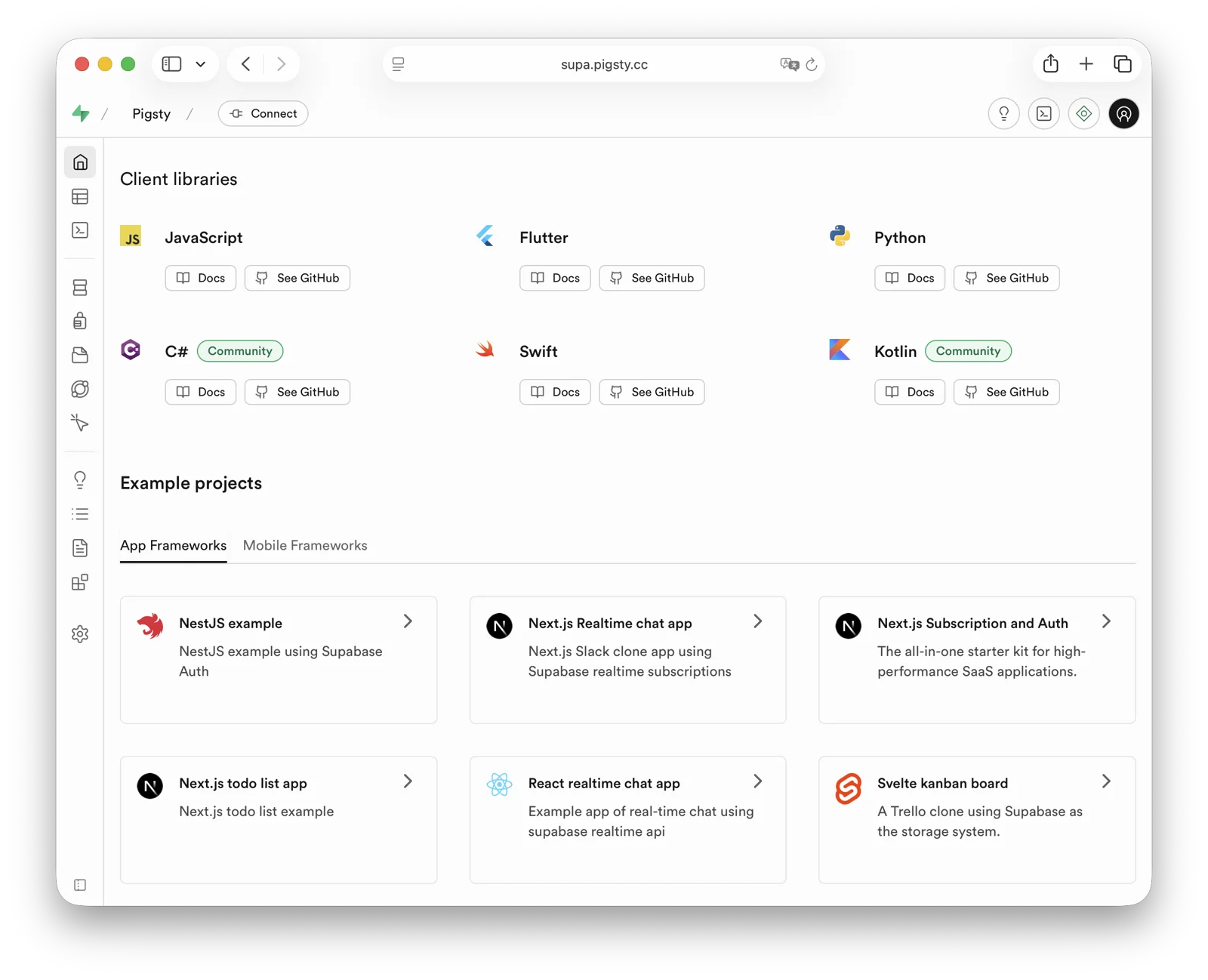
Then open https://supa.pigsty in a browser to access the Supabase Studio management interface.
Default username and password: supabase / pigsty
Configuration Details
./configure -c supabase generates ~/pigsty/pigsty.yml. Before running ./deploy.yml, review and update at least the passwords, keys, and domains in this file.
For complete configuration guidance, see the Supabase Self-Hosting Guide.
Was this page helpful?
Thanks—your feedback helps us improve this page.
What got in the way? (optional)